

Can you change your name on Tinder?
No. Name and age are the only locked fields.
Tinder's help center is direct about this: your name and age are the only pieces of your profile you cannot update once you have created an account. This applies whether you signed up with a phone number, Google, Apple or another method.
Everything else on your profile can be edited at any time.
| You can edit | You cannot edit |
|---|---|
| Photos and Loops | Name |
| Bio (About Me) | Age |
| Interests and lifestyle tags | |
| Job, school and city | |
| Pronouns, gender, orientation, height |
How to fix a wrong name: delete and start over
Delete in Settings, then sign up again carefully.
These are the steps Tinder lists for deleting your account.

- 01Open Tinder
Use the app on your phone.
- 02Tap the profile icon
It opens your profile and settings.
- 03Go to Settings
Scroll to the bottom.
- 04Tap Delete Account
Confirm, then create a new account with the correct name.
What you lose and what you keep
Matches go. Your subscription can come with you.
Tinder says deleting your account removes your matches, messages, consumable purchases such as Super Likes and Boosts, and other information tied to the account. If you have a subscription, you can restore it on your new account after you create it.
| Lost | Kept |
|---|---|
| Matches | Active subscription (restore it) |
| Messages | Your photos, if you save them first |
| Super Likes, Boosts and other consumables | Your bio text, if you copy it first |
Before you delete
A little prep saves a lot of rebuilding.
Run through this list first.
- Save any photos you want to reuse
- Copy your bio and any answers you like
- Use up Boosts or Super Likes you have already paid for
- Swap numbers or socials with matches you want to keep talking to
- Note how you paid for your subscription so you can restore it
“Tinder locks your name and age at sign-up. Get them right the first time, or plan for a fresh account.”
Choosing the name you sign up with
Use the name you actually go by.
A real first name or the nickname you use every day works best. It matches what people will call you on a date and avoids awkward moments. Tinder's community guidelines expect profiles to be authentic, so avoid fake names, brand names or jokes in the name field. Put humor in your bio instead; our funny Tinder bios have plenty of ideas.

ID checks and verification
Expect your name to need to match real ID in some places.
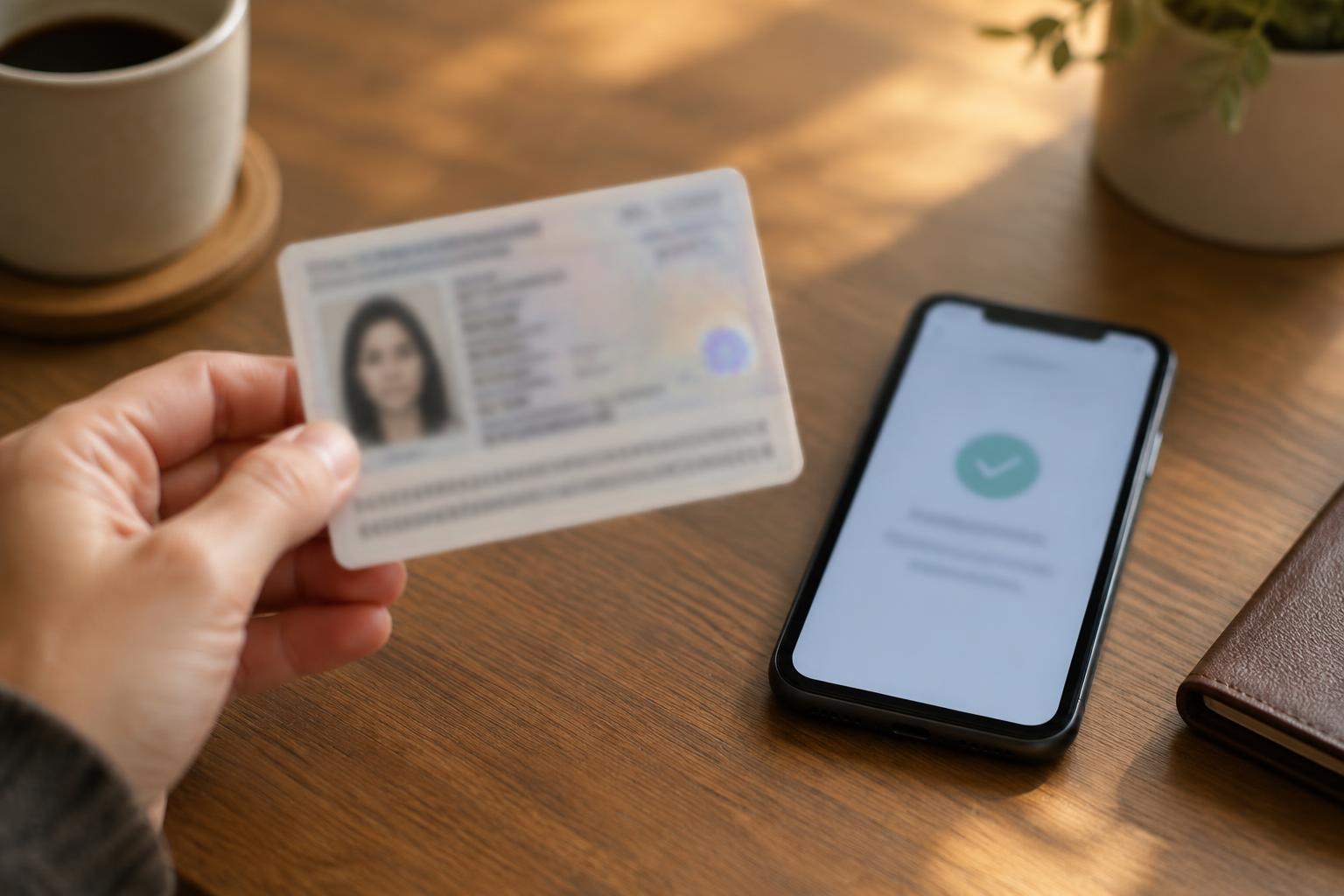
In some countries Tinder may ask for ID or a face check to verify your account. Using your real first name avoids problems if that happens. If your legal name has changed, delete and recreate the account with the name you now use.
Where to go next
Use the fresh start to build a better profile.
A new account is a good moment to improve everything else too. Start with our Tinder tips, best Tinder bios and how Tinder works. Then run your profile through the dating profile score checker.