
How you know you have been banned
Tinder sends an email and shows a notice when you try to log in.
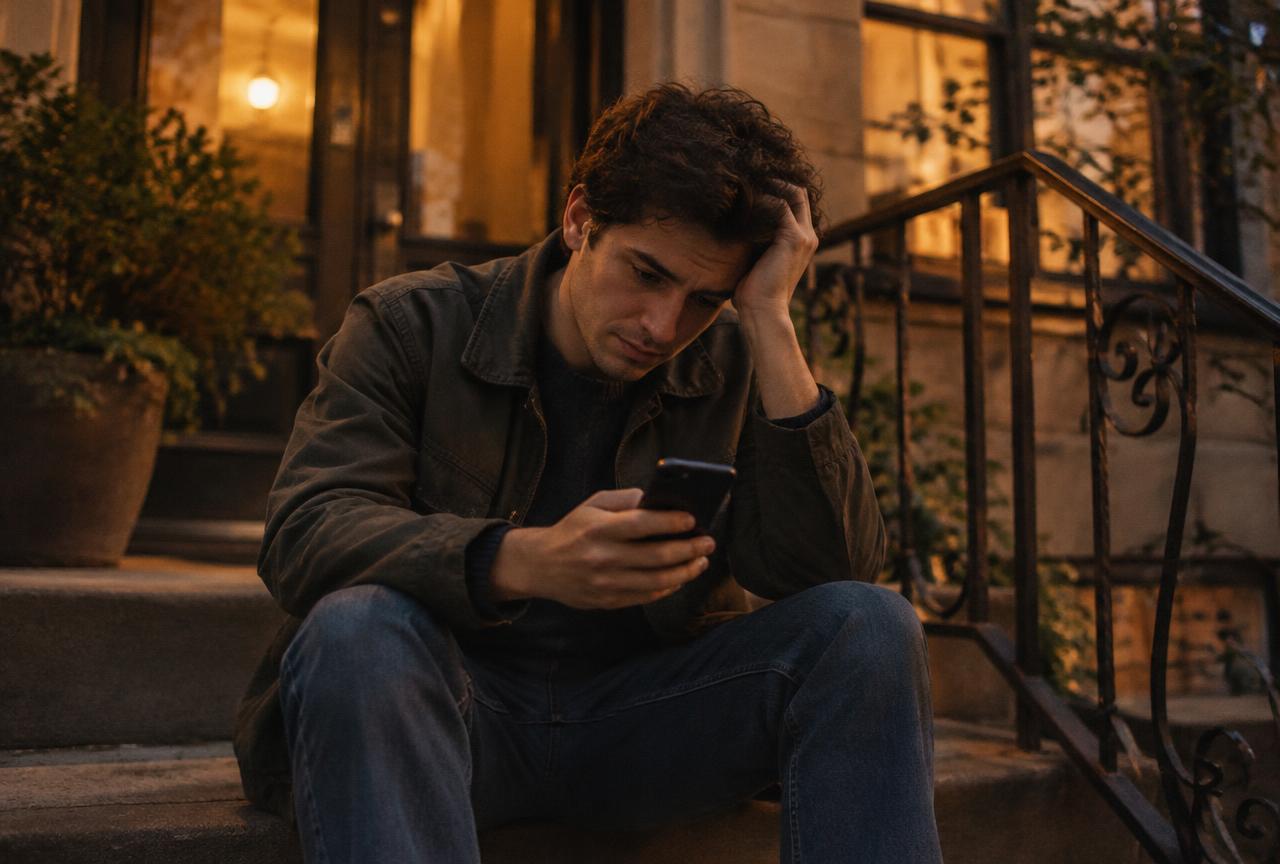
According to Tinder's help center, when your account is banned you receive an email and see a notification when you try to log in. A ban means you cannot keep using Tinder, and you cannot create new accounts.
Not every action is a full ban. Tinder can also issue a warning, remove content from your profile, or suspend an account. All of these can show up in the Appeals Center if they are appealable.
Why Tinder bans accounts
Bans follow breaches of Tinder's Community Guidelines or Terms of Use, often after reports from other users.
Tinder bans accounts when it identifies violations of its Community Guidelines or Terms of Use. The guidelines cover things like being under 18, fake or impersonating profiles, harassment, hate speech, nudity or sexual content in profiles, scams and spam, and promoting or selling things. Read the full guidelines before you appeal so you understand what Tinder may have seen.
Sometimes a ban comes from a misunderstanding: a photo that looked like someone else, a joke that read as offensive, or several reports at once. That is exactly what the appeal process is for.
| Common reason | What it can look like | What to do |
|---|---|---|
| Age concerns | Profile or photos suggest you may be under 18 | Appeal and be ready to verify your age |
| Fake or misleading profile | Photos that look like someone else, or not you | Appeal and explain; verify if offered |
| Harassment or offensive messages | Reports from matches | Appeal only if it was genuinely a mistake |
| Spam or promotion | Links, handles or selling in your bio or chats | Appeal and remove promotional content if reinstated |
How to appeal a Tinder ban
Three taps in the Appeals Center. Select every violation you want reviewed before you submit.
You reach the Appeals Center with the same login details as your Tinder account. It shows every action against your account that can be appealed, and See details explains each one.

- 01Open the Appeals Center
Log in with the same phone number, email or login method you use for Tinder.
- 02Find the violation
Tap See details to read what the violation is about.
- 03Tap Begin appeal
If there are several violations, select all the ones you want to appeal.
- 04Tap Submit appeal
The violation moves to the Appealed tab with an In Review label.
What happens after you appeal
Wait for the label to change. Approved restores your account; Denied means the decision stands.
After you submit, Tinder reviews your appeal. The In Review label later changes to one of two results.
Approved: the violation is reversed. Depending on what you appealed, Tinder reinstates your account, removes the warning or restores your content.
Denied: the violation is upheld, and Tinder will not reinstate your account or content.
Tinder also says that if a new violation appears in the Appeals Center, it found another breach during the review. You can appeal that one too. Tinder does not publish how long reviews take, so give it time rather than submitting repeatedly.

“There is one real way back onto Tinder after a ban: an appeal that Tinder approves.”
When you cannot appeal
No appeal button usually means the violation is older than 6 months or has already been appealed.
If you do not see a violation, or see it without an appeal option, Tinder says it cannot be appealed through the Appeals Center. This can be because it happened more than 6 months ago, or because you have already appealed it.
In that case the decision is final. Tinder says banned users cannot create new accounts, so making a new profile with a different number or email breaks the rules and can be removed too. It is better to move on to another app and start clean.
- I read Tinder's Community Guidelines first
- I logged in to the Appeals Center with my usual Tinder login
- I selected every violation I want reviewed
- I submitted once and did not spam repeat appeals
- I cancelled my subscription if Apple or Google bills me
What about your Tinder subscription?
If you paid through Apple or Google, the ban does not stop the payments. Cancel them yourself.
Tinder's help center is clear: if you subscribed on an iPhone or Android device, you need to cancel the subscription yourself after a ban. Follow the steps in our guide on how to cancel Tinder Gold. For refunds on Apple or Google purchases, ask Apple or Google directly.
Moving on if the ban stays
One app saying no is not the end. Start fresh somewhere that fits you better.
If your appeal is denied, take it as a chance to try an app built for what you want. Read Tinder alternatives, see how Hinge works, or take the dating app quiz. Before you sign up anywhere new, read the app's rules and use our Tinder tips to build a profile that is clearly, honestly you. Real life counts too: events and hobbies are still one of the best ways to meet people.