

What Tinder Passport does
It moves where you swipe, not where you are.
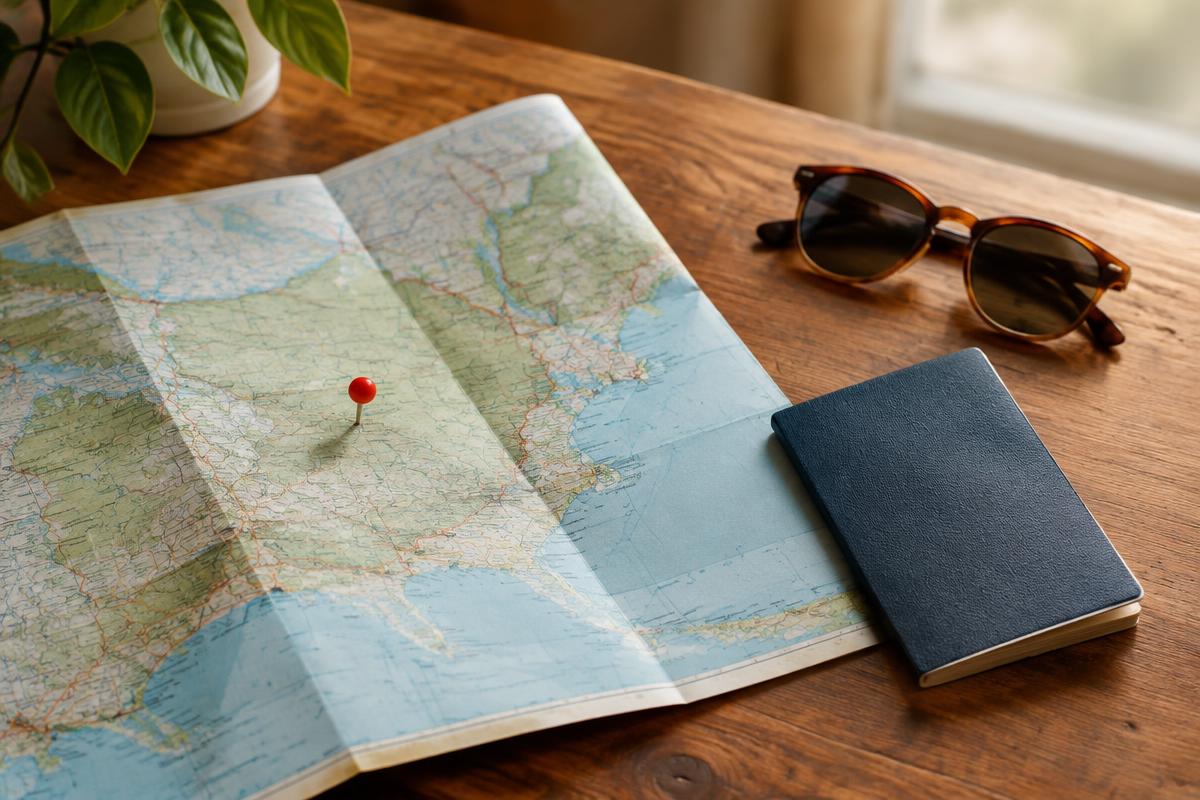
Normally Tinder shows you people near your phone's location. Passport replaces that with a city you choose, either by searching for it or by dropping a pin on a map. You see people there, and they can see you.
Tinder's help center says you can virtually be in one city at a time, but change as often as you like.
Which plans include Passport
Every paid tier includes it. You can also buy it by itself.
Passport is not available on free Tinder, but Tinder lists it as part of all three subscriptions and as a standalone purchase.
| Plan | Passport included? |
|---|---|
| Free Tinder | No |
| Standalone purchase | Yes |
| Tinder Plus | Yes |
| Tinder Gold | Yes |
| Tinder Platinum | Yes |
How to change your location with Passport
It takes about 30 seconds in Settings.
These are the steps Tinder gives.
- 01Open Tinder
Make sure you are logged in to the account with Plus, Gold, Platinum or Passport.
- 02Tap the profile icon
Then tap the Settings icon.
- 03Scroll to Location
Tap Location to open your location options.
- 04Add a new location
Search for a city or drop a pin on the map, then confirm.
How to switch back to your real location
Go back to the same Location menu and choose your current location.
Passport keeps a list of places you have visited. To return home, open Settings, tap Location and pick your current location. Remember Tinder's note that people you liked while in Passport may see your profile for up to 24 hours after you switch.
“Passport lets you arrive before you land. Use it to plan, not to pretend.”
Using Passport for travel and moving abroad
Start a week or two before you arrive, and be upfront that you are visiting.
Passport is most useful for trips and moves. A few habits make it work better for everyone. Moving for longer? Our best dating apps for expats guide covers which apps are popular where.
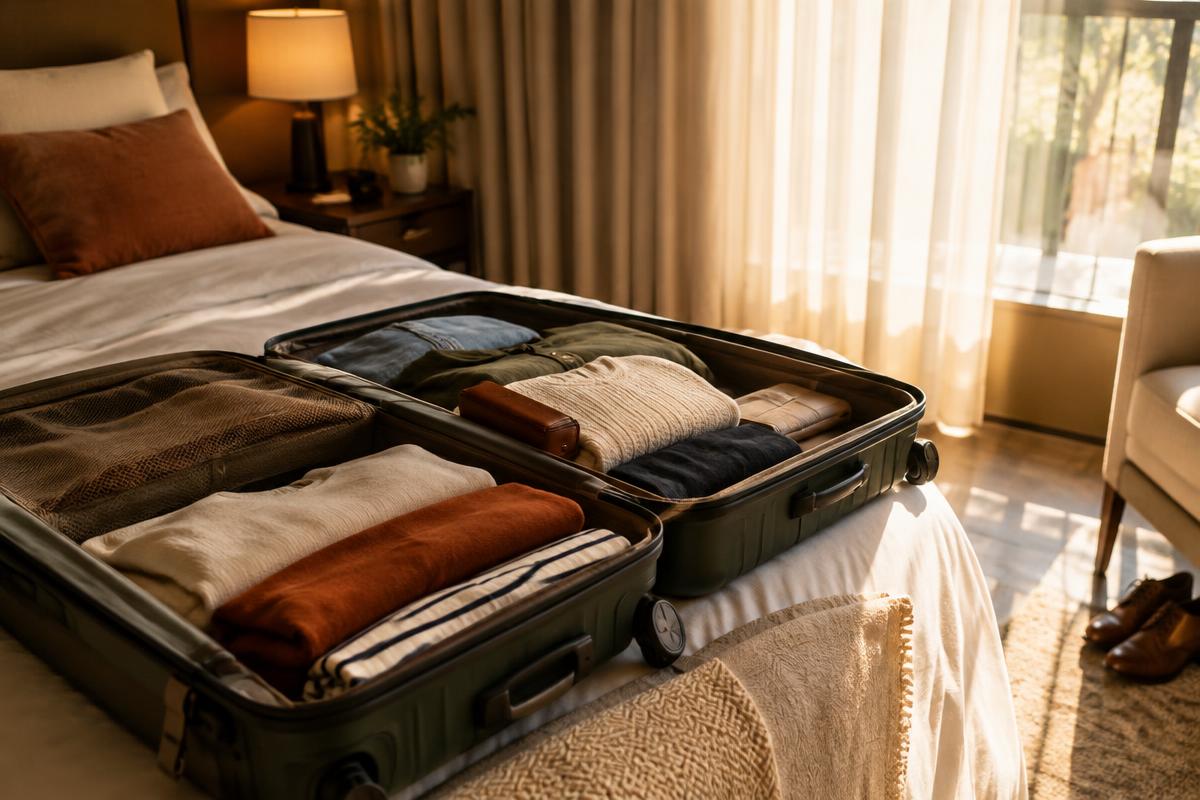
- Switch a week or two before arriving, so chats have time to start
- Say in your bio when you will be in town, and for how long
- Suggest a public, easy first meeting place, like a café
- Be honest if you only want a local guide or friends
- Check local dating norms before you go
Safety: Face Check and Traveler Alert
Tinder adds safety checks in some places, including when you only visit virtually.
Tinder says some regions require Face Check to use Passport there. You can opt out of Face Check again when you are done with Passport in that region.
Tinder also has a Traveler Alert for LGBTQIA+ users in places where identifying as LGBTQIA+ is criminalized. It also shows in Passport Mode. When you visit virtually, your profile stays visible unless you choose to turn it off. Read the alert carefully and decide what feels safe.
Is Passport worth paying for?
Worth it for trips and moves. Rarely worth it just to browse.
If you travel often or are about to move, Passport is one of the most practical paid features Tinder has. If you only want to look at another city out of curiosity, it adds little. If you also want See Who Likes You, see whether Tinder Gold is worth it. For the full picture, read our Tinder review or how Tinder works.